How ProWorx works
One workflow from customer request to review.
Request Estimate Schedule Job Invoice Payment Review
How ProWorx works
Request Estimate Schedule Job Invoice Payment Review
How ProWorx works
Get work. Price it. Run it. Get paid.
See the workflow from first request through review.
Make it easy for customers to request work
Show services and collect requests in one place.
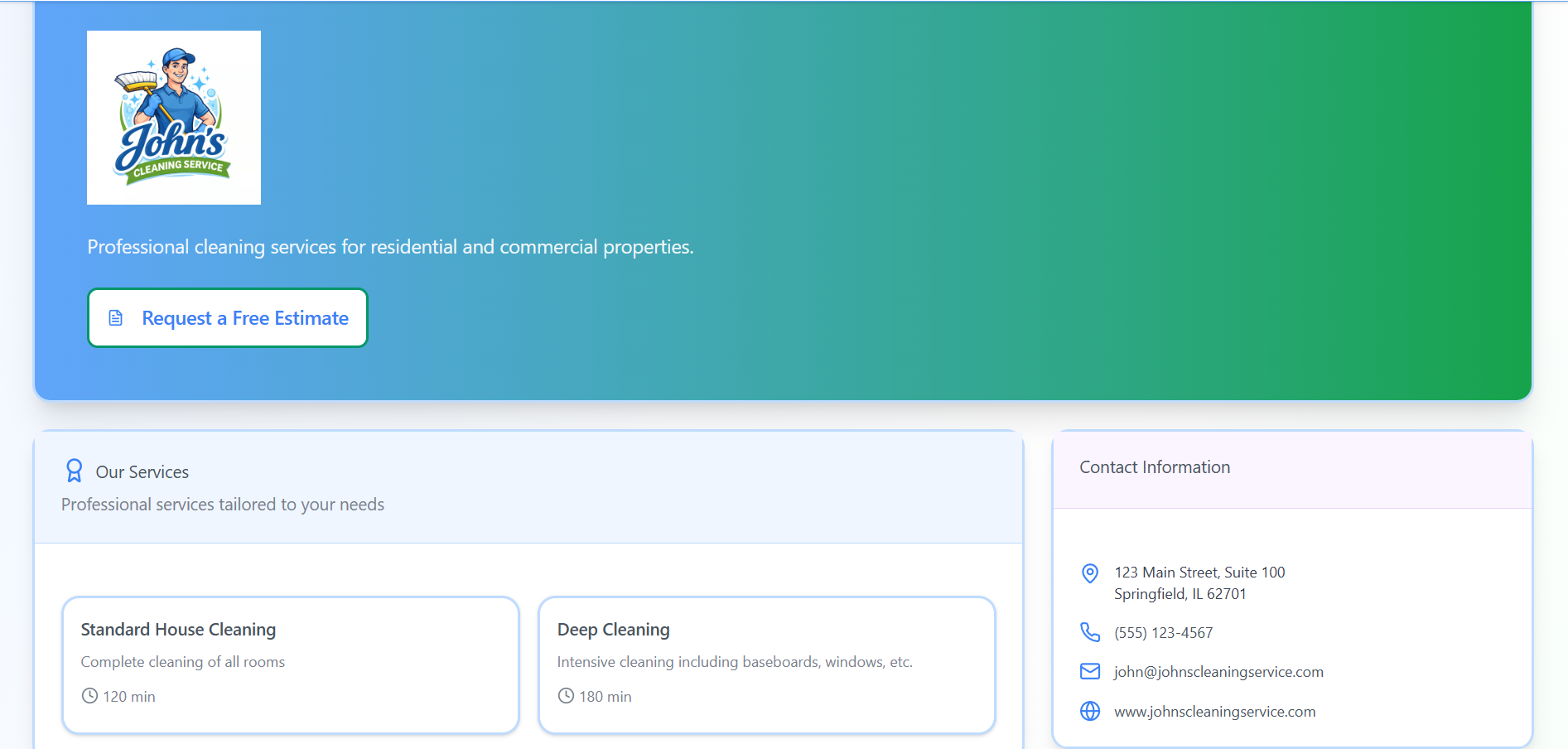
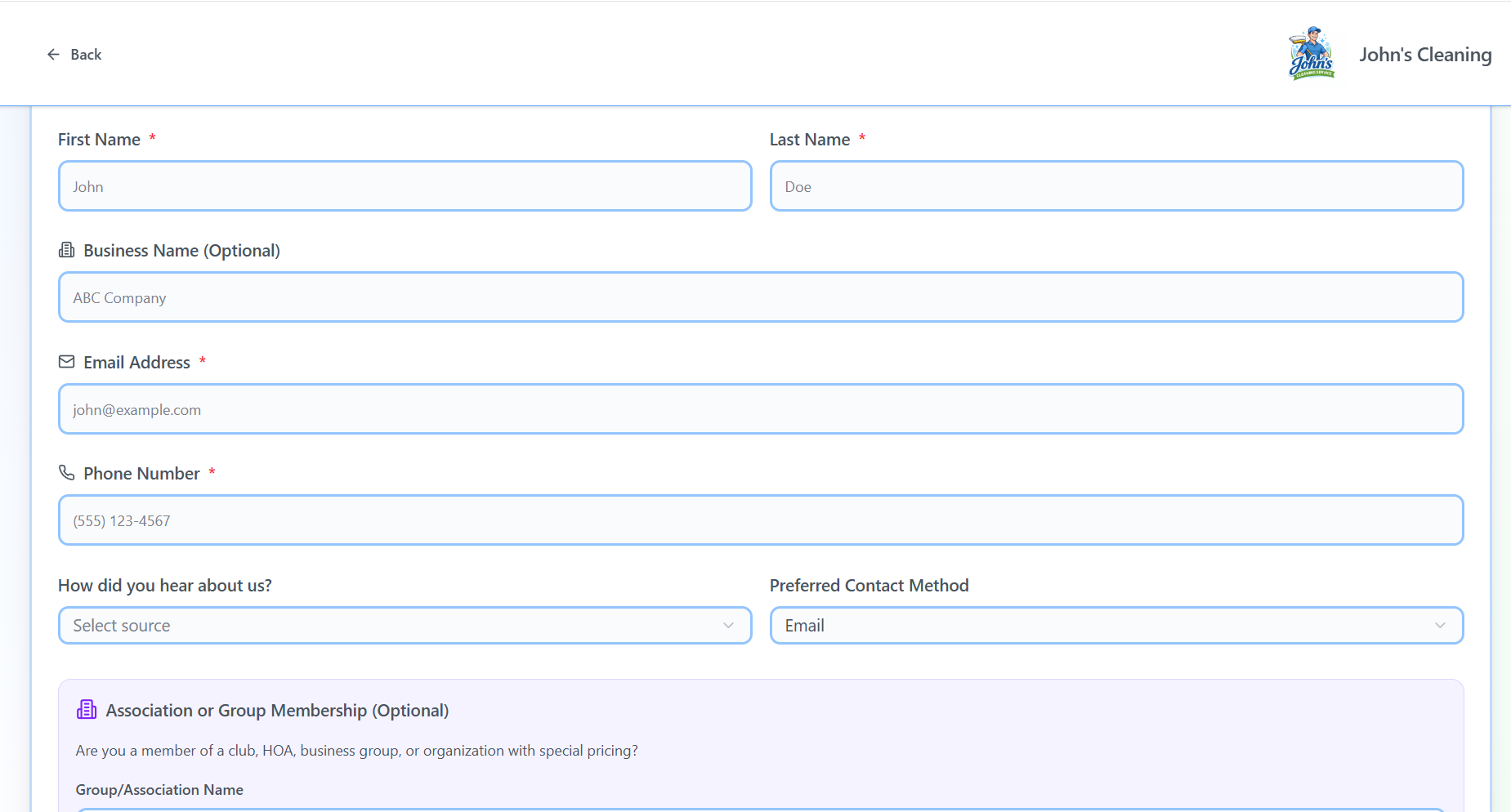
Keep every customer request in one place
Collect details, photos, and job needs up front.
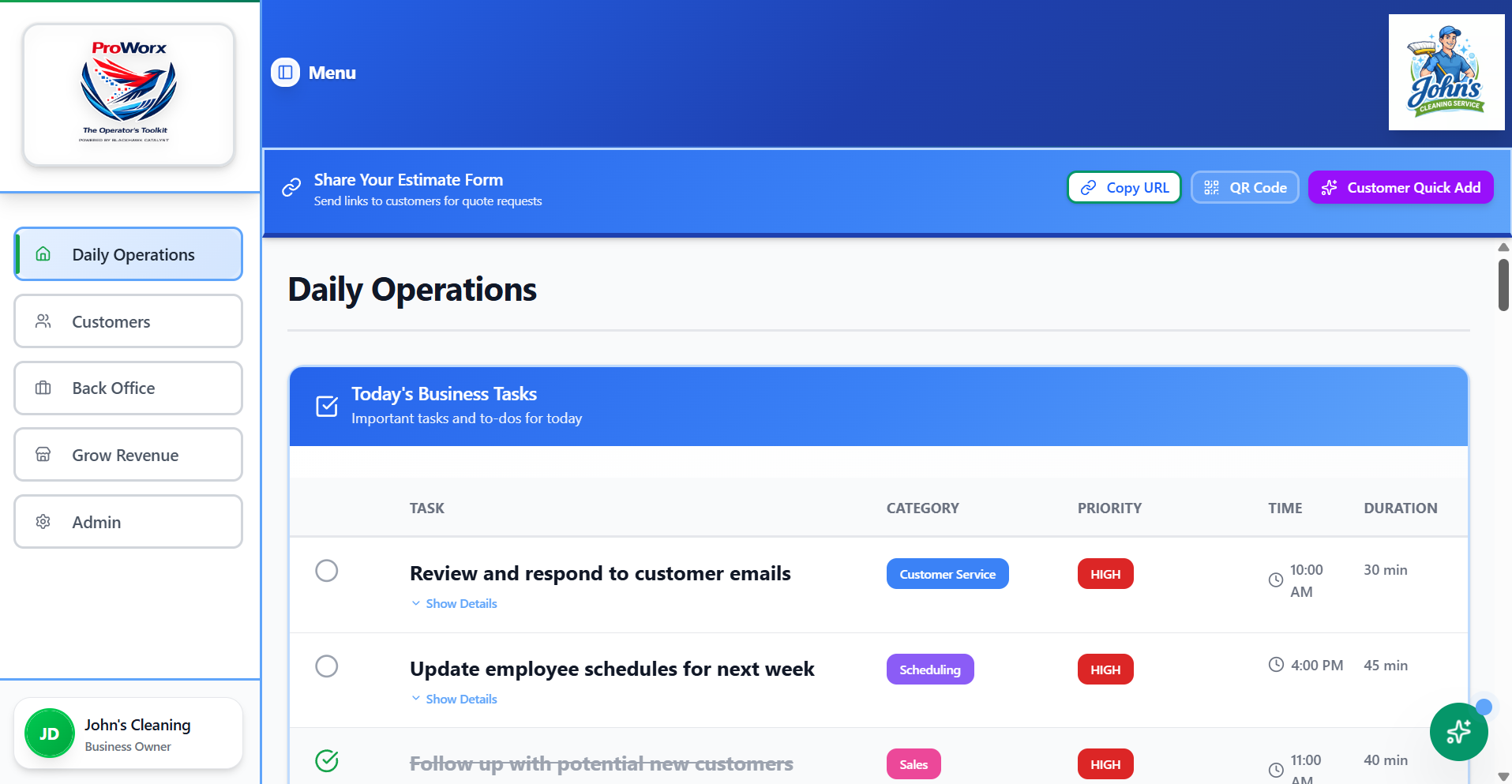
Know what needs your attention next
See tasks, upcoming work, and what needs attention.
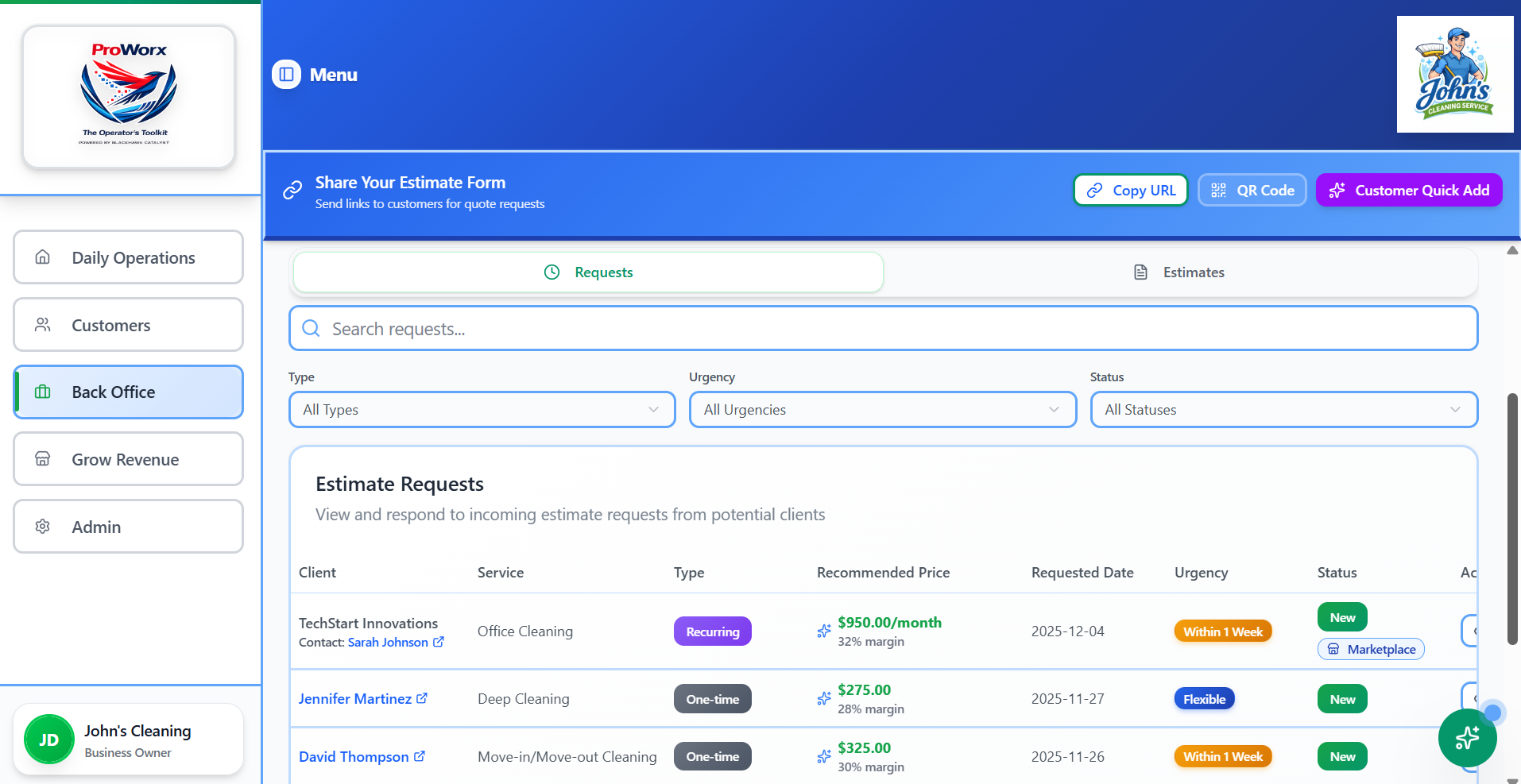
Send estimates without starting over
Move from request to estimate to invoice without re‑entering the job.
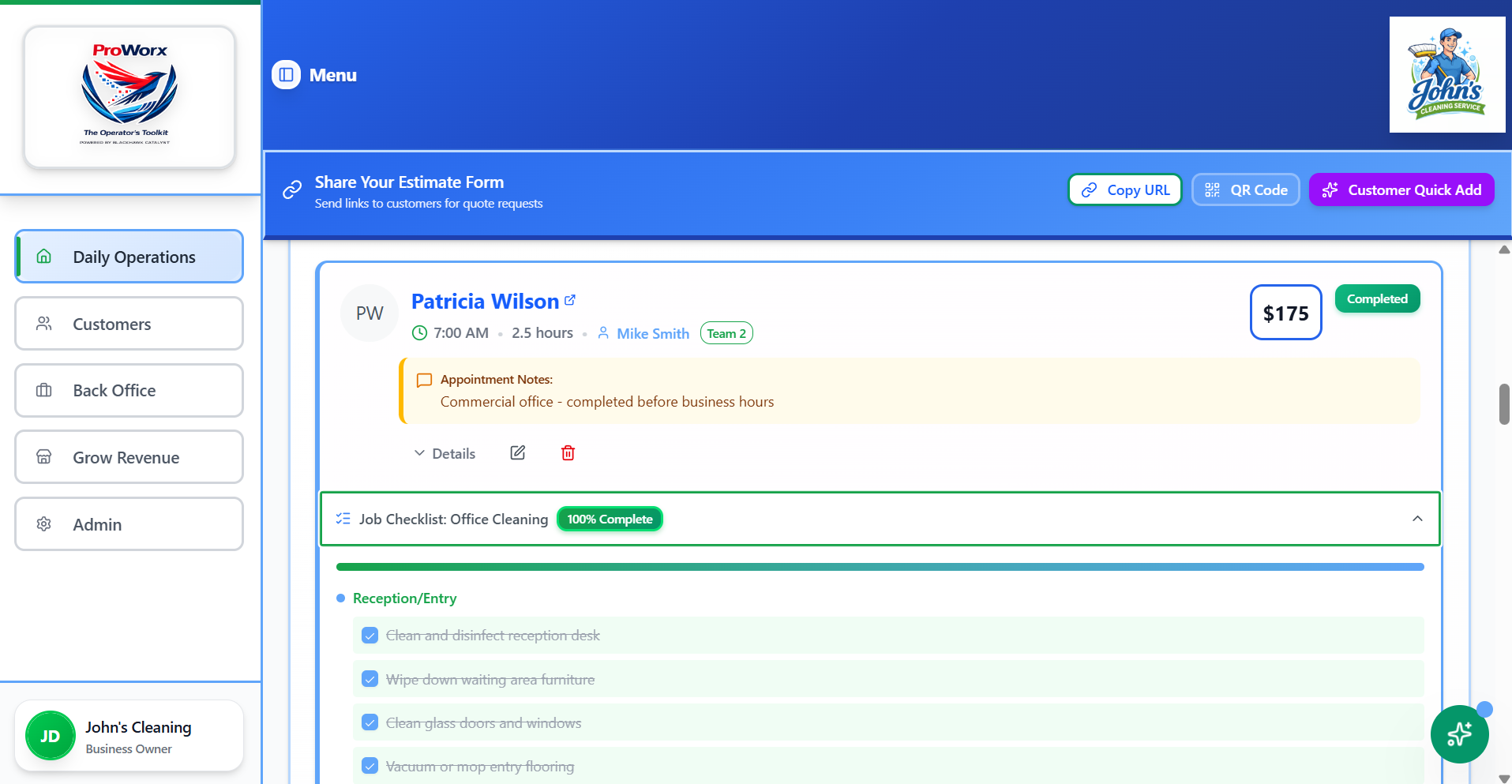
Keep every job detail where you can find it
Use repeatable job checklists as work grows.
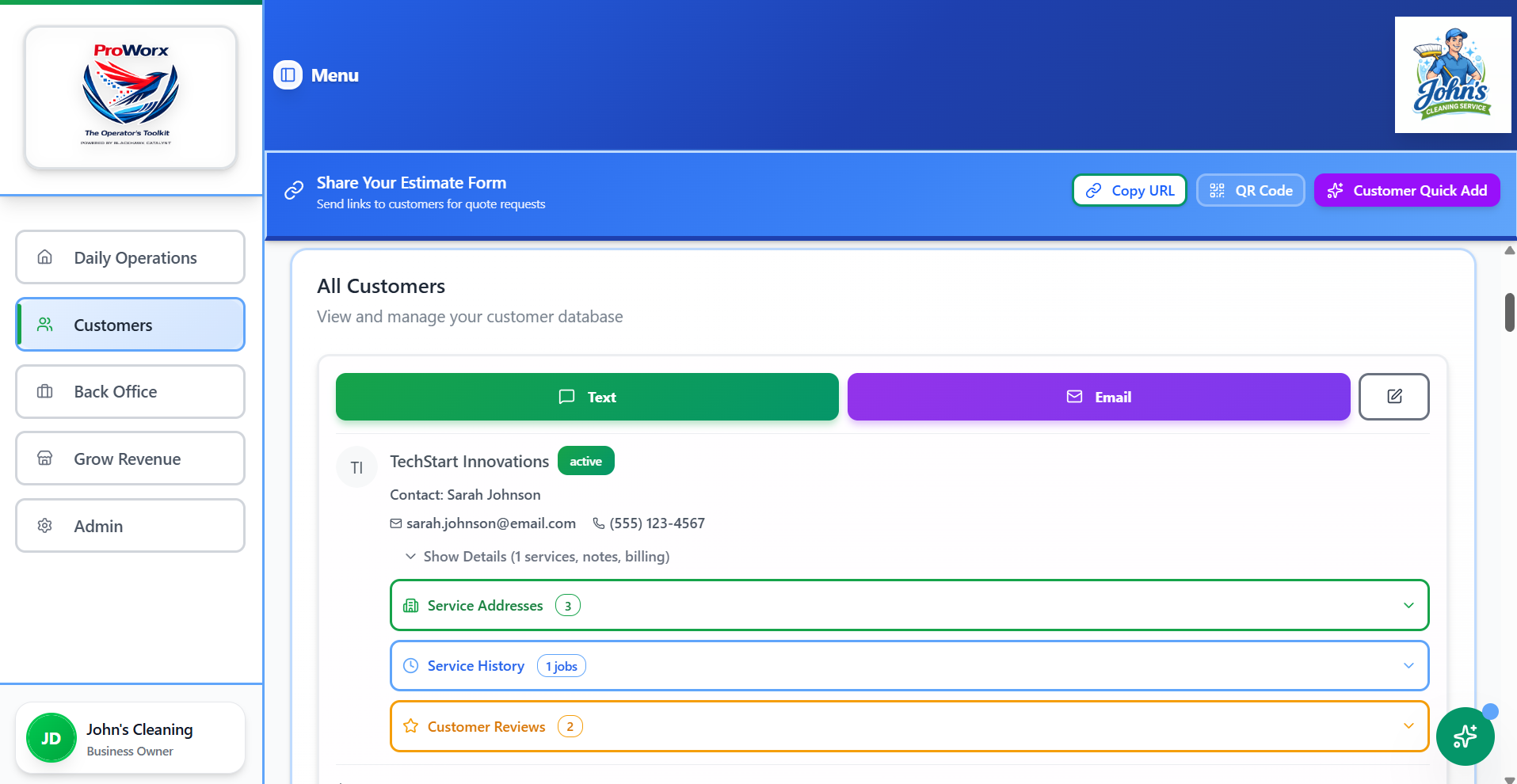
Keep customer history
Keep history, notes, communication, and billing together.
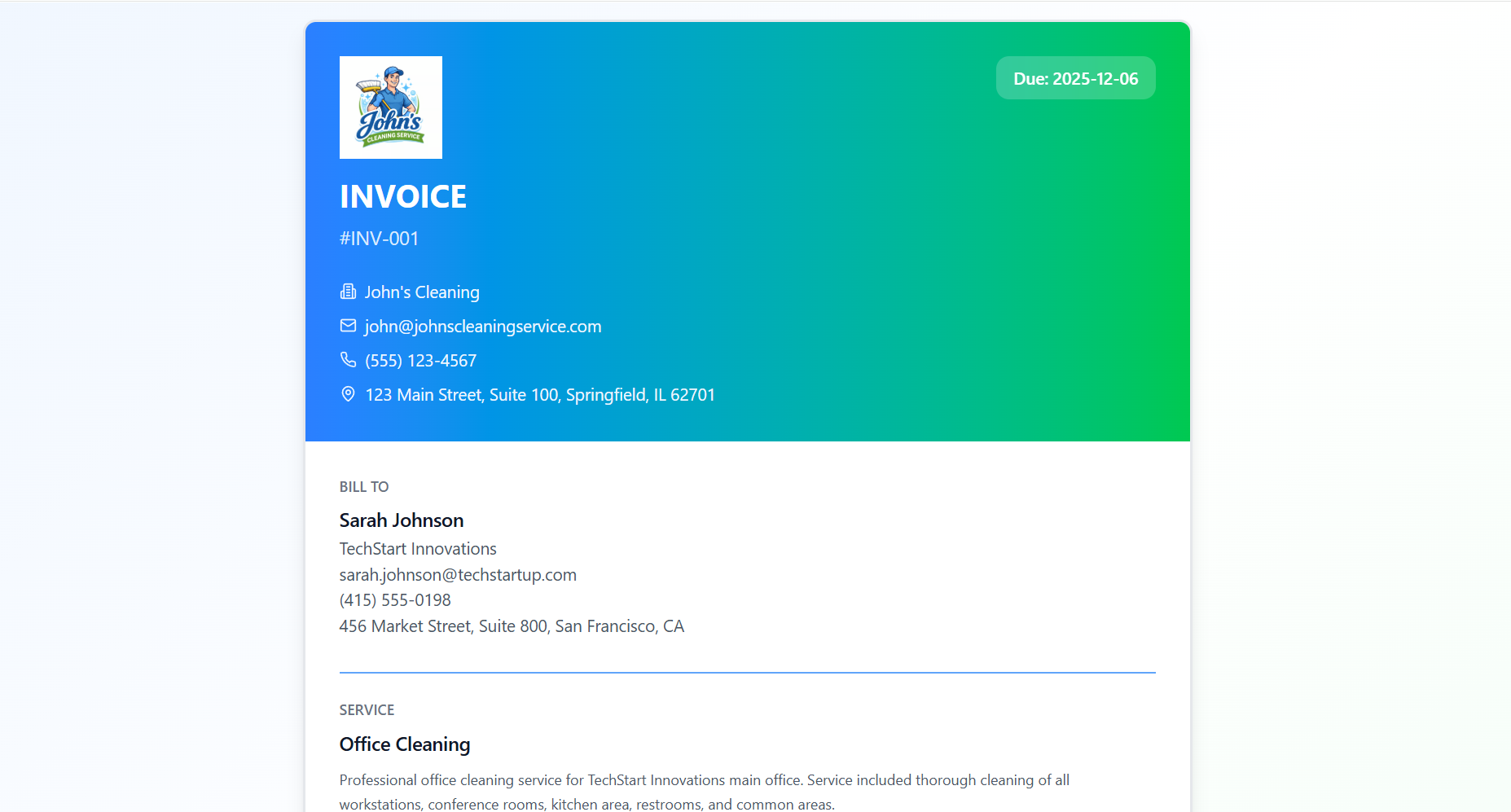
Send invoices and make it easy to get paid
Give customers a clean way to pay.
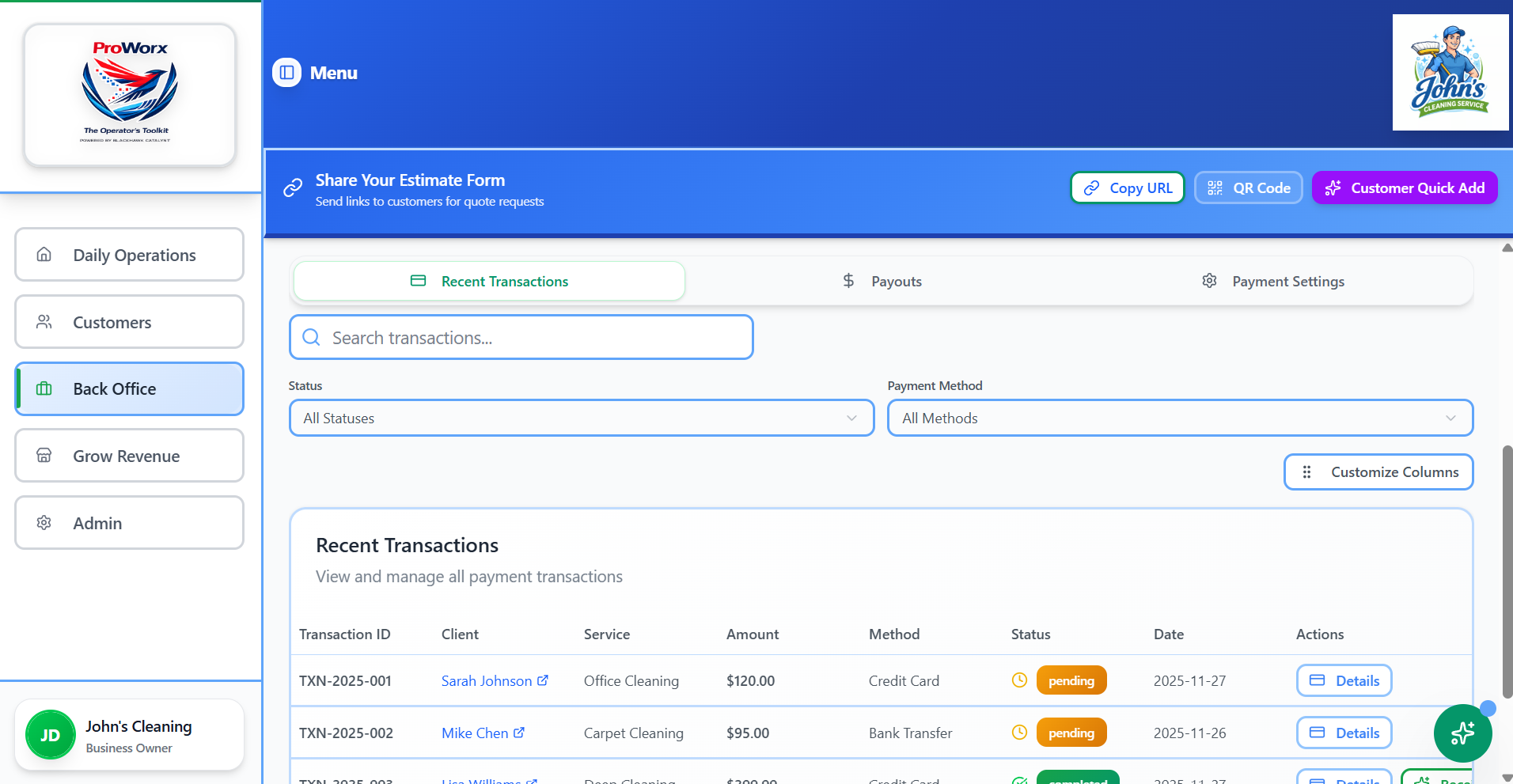
Know what is paid, pending, or overdue
See payment status at a glance.
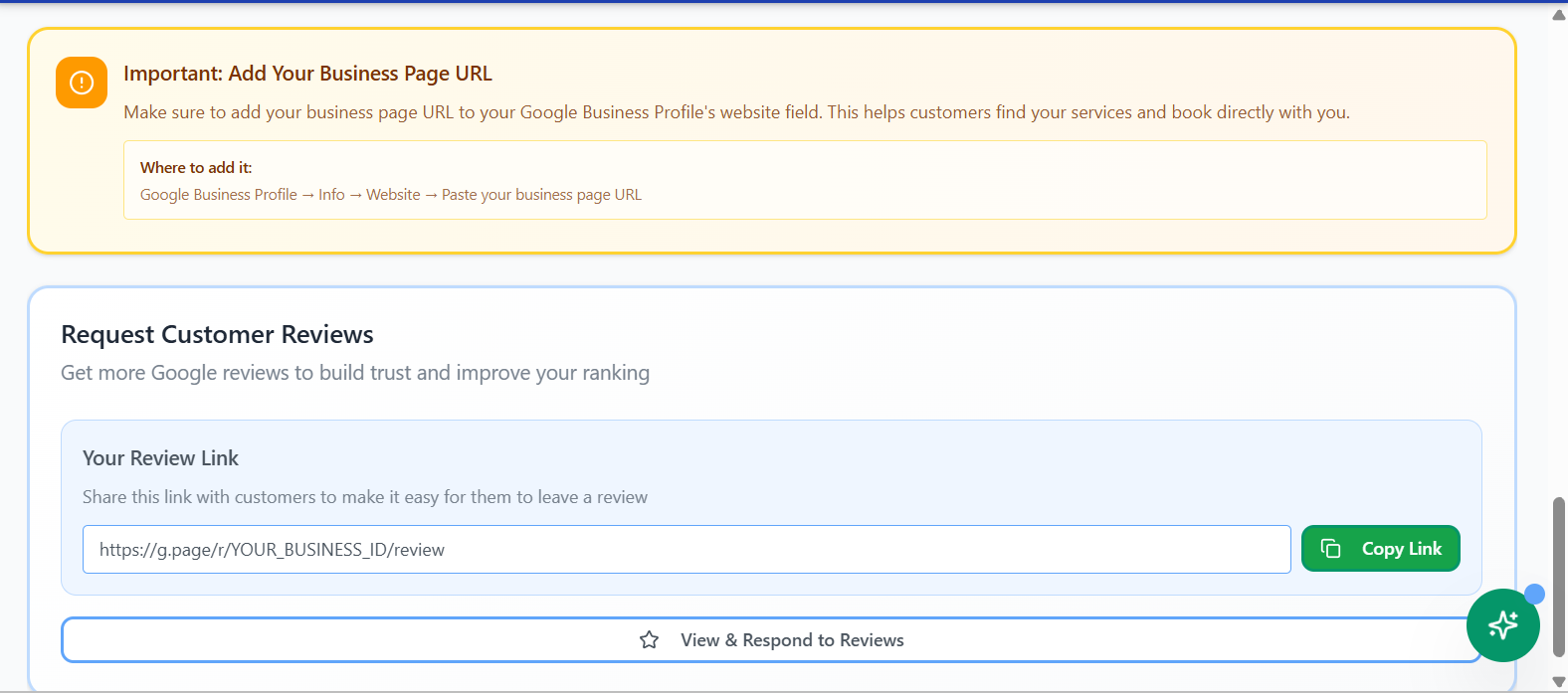
Never forget to ask for the review
Build local trust and send happy customers to Google.
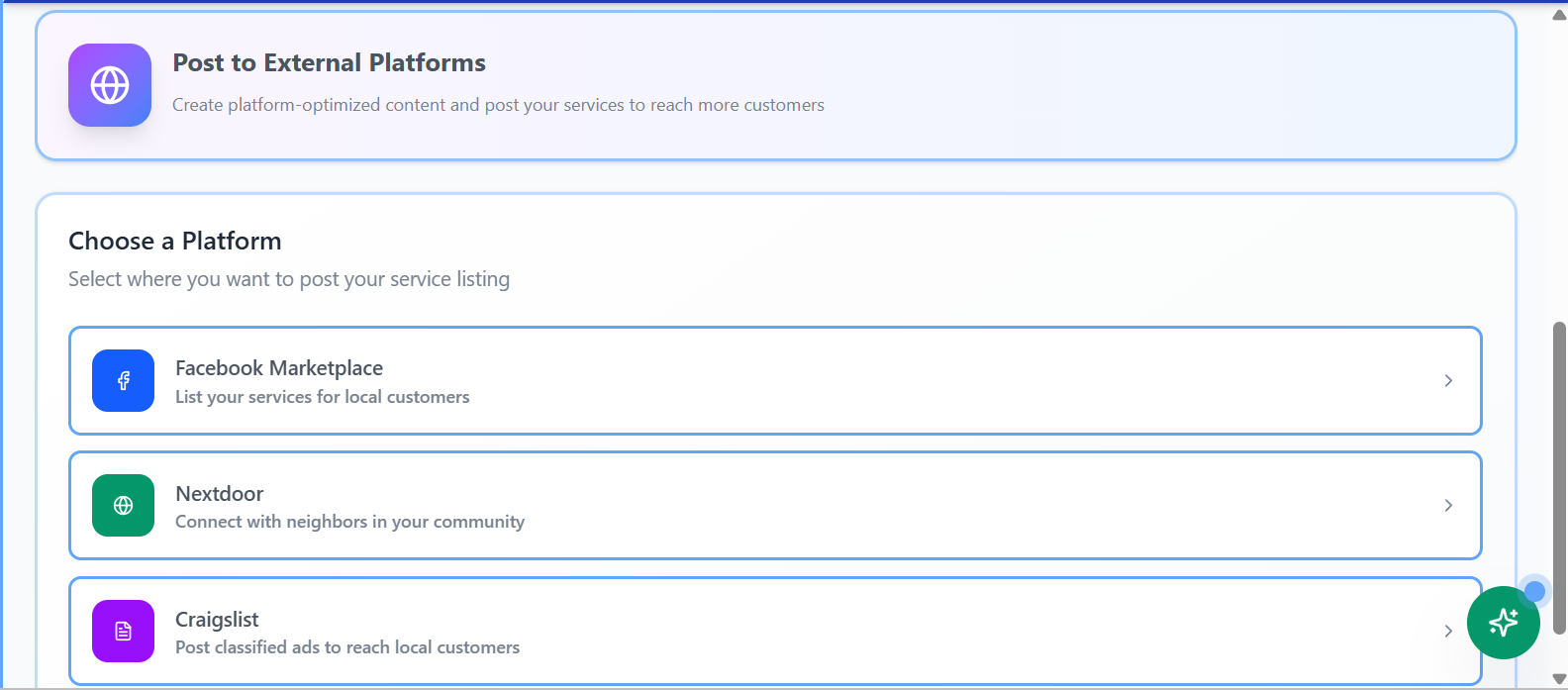
Get in front of customers
Prepare posts for places customers already look.
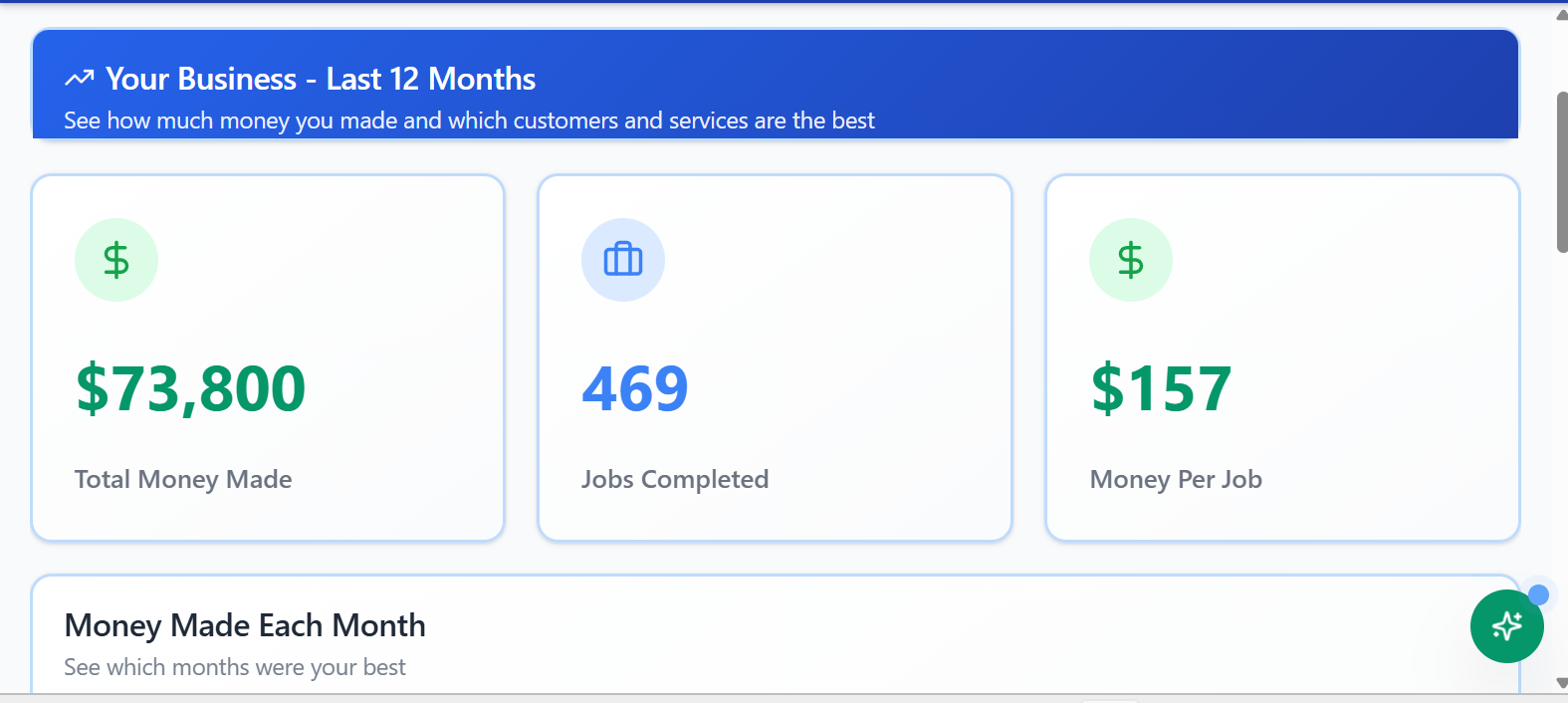
Grow with visibility
See revenue, top services, top customers, and trends.
FAQ
ProWorx helps manage the operating flow from customer request to estimate, job, checklist, invoice, payment, review, and future follow‑up.
Yes. Operators can share a public business page and intake link so customers can request work in a structured way instead of sending scattered texts or incomplete messages.
Yes. ProWorx connects invoices and payments to the job workflow so operators can send a professional invoice and give customers a simple way to pay online. Payment processing: ProWorx adds $0.10 per transaction; ACH has a $0.50 flat processor fee; card processing is usually 1% to 3% from card companies and banks.
ProWorx is designed to help operators build their own Google presence. After payment, the customer can be directed to leave a review on the operator’s Google Business Profile.
Yes. ProWorx includes practical growth tools like Google Business Profile support, review links, customer campaigns, and help preparing posts for places like Facebook Marketplace, Nextdoor, and Craigslist.
No. AI is used carefully at the edges to help operators move faster, write clearer, and organize information. It does not replace judgment or take over the customer relationship.
Ready for the next step?
After you understand the product, the Getting Started page shows the path from signup to onboarding to running the workflow.
Continue to Getting Started